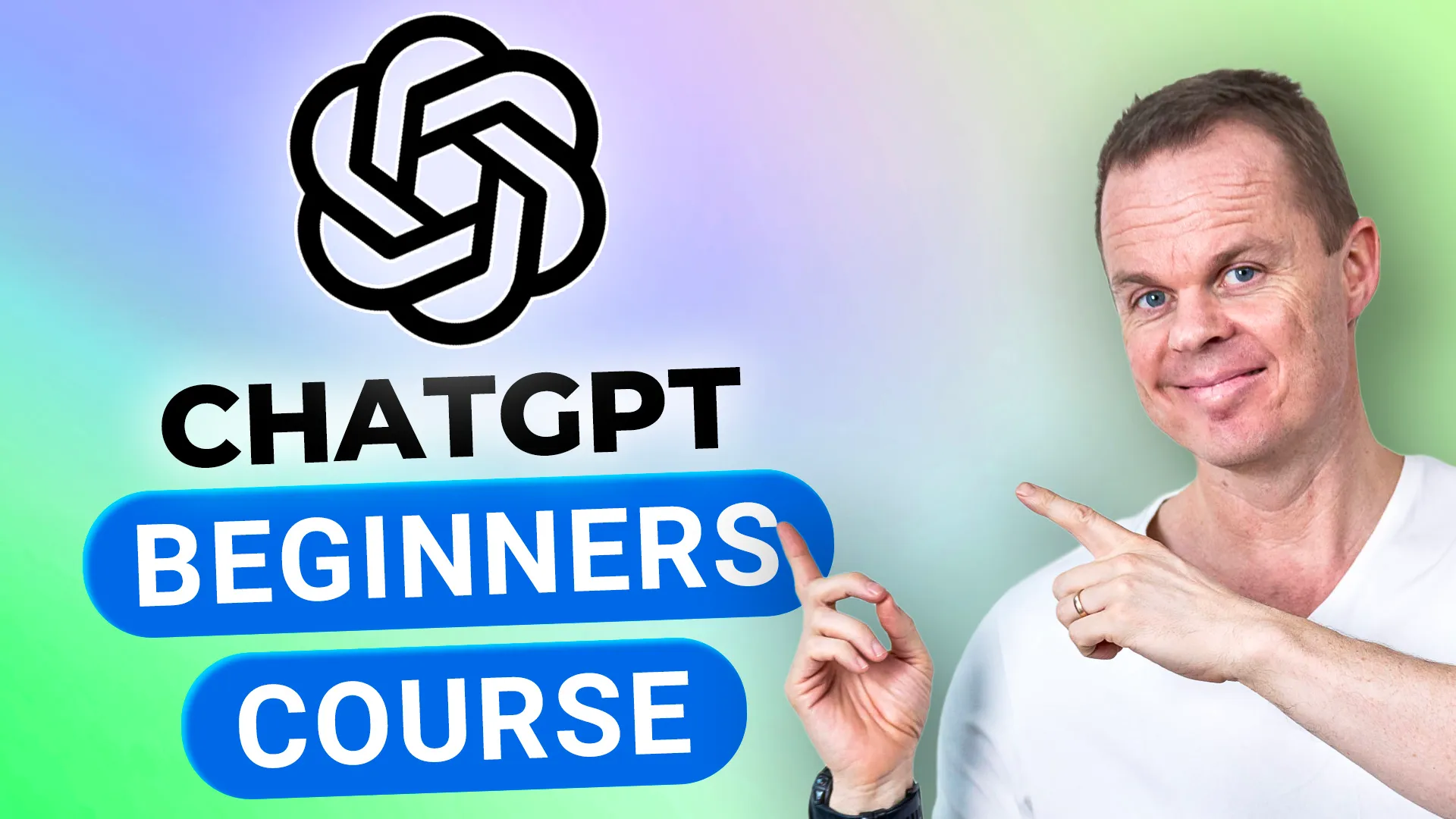
ChatGPT Beginners CourseFrom first prompt to real productivity
Learn how to use ChatGPT in real work scenarios through practical lessons on prompting, summarization, translation, vision, image and video creation, Excel, code, Custom GPTs, and Projects.
Built by Microsoft MVP Anders Jensen
Followed by thousands of learners on YouTube
One membership, full access
Everything included:
- This course: ChatGPT Beginners Course
- Every other course in the library, including future updates
- The private community with discussions and support
Full access for $12/month
7-day free trial. Cancel anytime.
What you will learn
This course teaches practical ChatGPT skills from first prompts to advanced features like vision, image creation, video with Sora, Excel automation, and building Custom GPTs.
Write effective prompts using a structured prompt framework
Use ChatGPT for translation, summarization, feedback, and brainstorming
Analyze images and documents with ChatGPT Vision
Create images and videos with GPT-4o and Sora
Use ChatGPT for Excel formulas, charts, VBA, and API integration
Build Custom GPTs and organize work with Projects
Use ChatGPT on mobile with voice and camera
Apply ChatGPT to real business workflows like meeting minutes and project planning
Course modules
The course is structured as a practical progression from core concepts to real-world application.
Intro to AI and GPT
Understand the fundamentals of AI, machine learning, large language models, and how ChatGPT works.
Learn ChatGPT
Write your first prompts, translate, summarize, get feedback, use online sources, memory, and Canvas.
Advanced ChatGPT
Meeting minutes, project planning, visualization, tasks, browser extension, Deep Research, and data analysis.
Smartphone app
Use ChatGPT on mobile with voice, camera, vision, and image generation.
The perfect prompt
Master the prompt framework: Task, context, format, tone, examples, and persona.
Excel and code
Use ChatGPT for Excel formulas, charts, pivot tables, VBA macros, and API integration.
Vision
Analyze images, documents, receipts, and websites with ChatGPT Vision.
Image creation
Create and edit images with GPT-4o, including ads, illustrations, headshots, and photo editing.
Video creation with Sora
Generate and edit videos using Sora with storyboards, presets, and aspect ratio controls.
Custom GPTs and Projects
Build, configure, and share Custom GPTs. Use Projects for organized AI workspaces.
Who this course is for
Complete beginners to ChatGPT and AI
Office workers and knowledge workers
Managers and team leads
Anyone who wants practical ChatGPT skills for daily work
No previous AI or coding experience required.
Meet your instructor

Anders Jensen is a five-time Microsoft MVP and automation specialist focused on practical AI and automation training.
He teaches through real examples, hands-on workflows, and step-by-step lessons designed to help learners apply tools directly in their daily work.
Through his courses and YouTube content, Anders helps professionals build practical skills in AI, Copilot, automation, and productivity.
Related courses
Advanced ChatGPT - Including OpenAI API Masterclass
Move from AI usage to AI building. Learn the OpenAI API, Python, chatbots, assistants, function calling, and Codex.
Microsoft Copilot Chat Beginner's Course
The easiest entry point into Copilot. Learn practical prompting, summaries, translation, and reusable prompt workflows.
Start learning ChatGPT in a practical way
Start today with a 7-day free trial. Cancel anytime.
Join Community