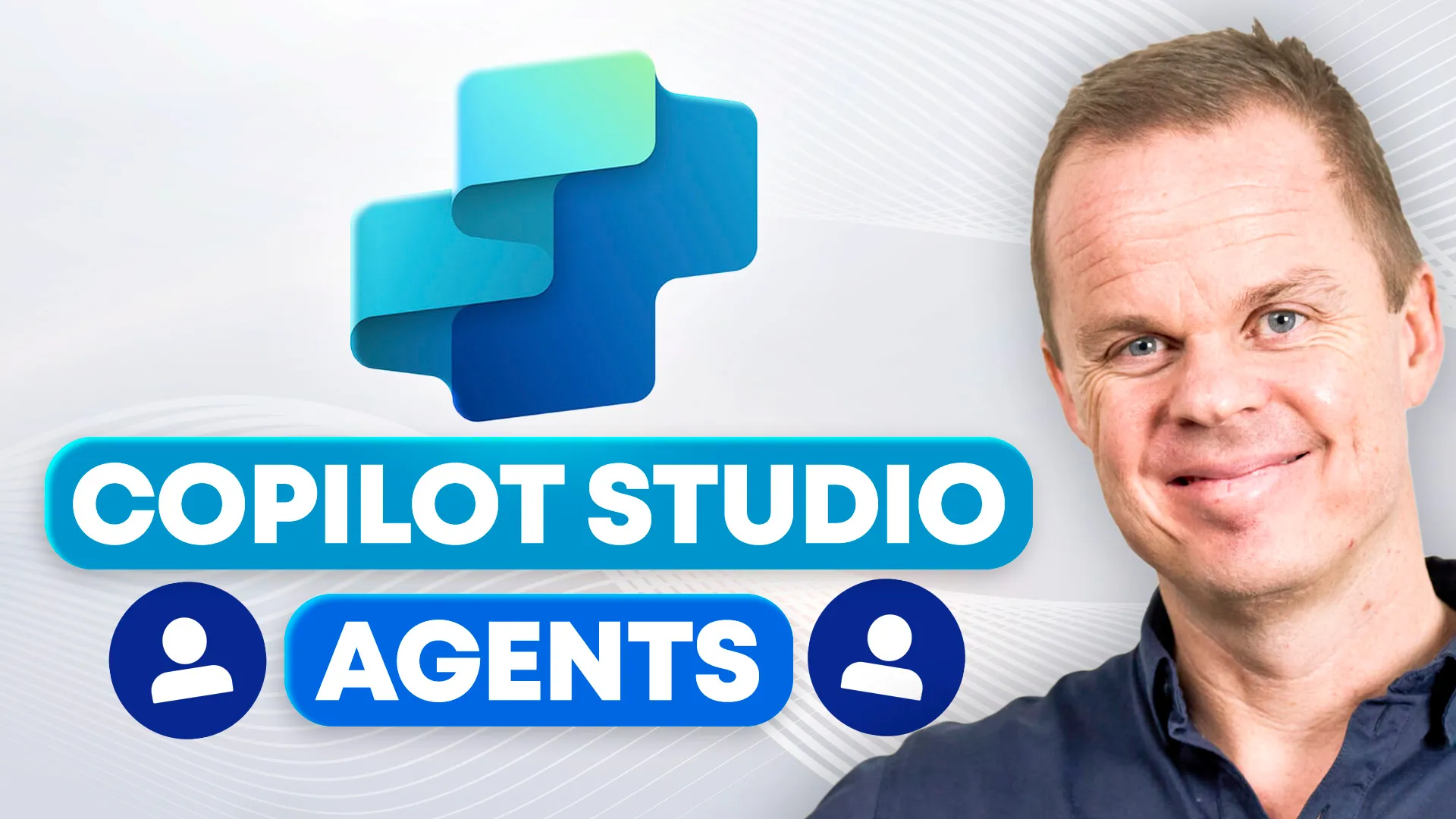
Copilot Studio for beginnersBuild real Microsoft AI agents
Learn how to create agents in Microsoft Copilot Studio using knowledge sources, topics, variables, conditions, API connectors, Power Automate, child agents, publishing, and analytics.
Built by Microsoft MVP Anders Jensen
Followed by thousands of learners on YouTube
One membership, full access
Everything included:
- This course: Copilot Studio Beginners Course
- Every other course in the library, including future updates
- The private community with discussions and support
Full access for $12/month
7-day free trial. Cancel anytime.
What you will learn
This is the Microsoft AI builder course in the portfolio. It teaches how to build and manage agents in Copilot Studio through practical hands-on exercises.
Create and test agents in Copilot Studio
Connect knowledge from files, SharePoint, and Dataverse
Build topics and orchestration logic
Use variables, conditions, and API connectors
Integrate Power Automate into agent workflows
Build child agents, publish solutions, and analyze usage
Course modules
The course is structured as a practical progression from core concepts to real-world application.
Intro
Get started and download the course materials.
Create your first agent
Create, test, and publish your first agent.
Knowledge
Add files, SharePoint, and Dataverse knowledge sources.
Conversational orchestration
Understand system topics, custom topics, triggers, and settings.
Advanced orchestration
Use variables, conditions, multiple choice, and API connectors.
Tools
Integrate Power Automate, Excel-based workflows, and custom connectors.
Child agents
Build reusable parent-child agent architectures.
Publish
Publish to Teams, the organization, Copilot 365, and websites.
Analytics
Understand effectiveness, knowledge usage, user feedback, and activity.
Who this course is for
Power Platform users
Microsoft AI builders
Consultants and automation professionals
People who want to build internal or external AI agents
Basic Microsoft familiarity is helpful. This is a beginner-to-intermediate builder course.
Meet your instructor

Anders Jensen is a five-time Microsoft MVP and automation specialist focused on practical AI and automation training.
He teaches through real examples, hands-on workflows, and step-by-step lessons designed to help learners apply tools directly in their daily work.
Through his courses and YouTube content, Anders helps professionals build practical skills in AI, Copilot, automation, and productivity.
Related courses
Master Microsoft Copilot 365: Beginner to Pro
The full Microsoft 365 Copilot course. Learn to use Copilot across Excel, Word, Outlook, Teams, and PowerPoint.
Advanced ChatGPT - Including OpenAI API Masterclass
Move from AI usage to AI building. Learn the OpenAI API, Python, chatbots, assistants, function calling, and Codex.
Start learning Copilot Studio in a practical way
Start today with a 7-day free trial. Cancel anytime.
Join Community