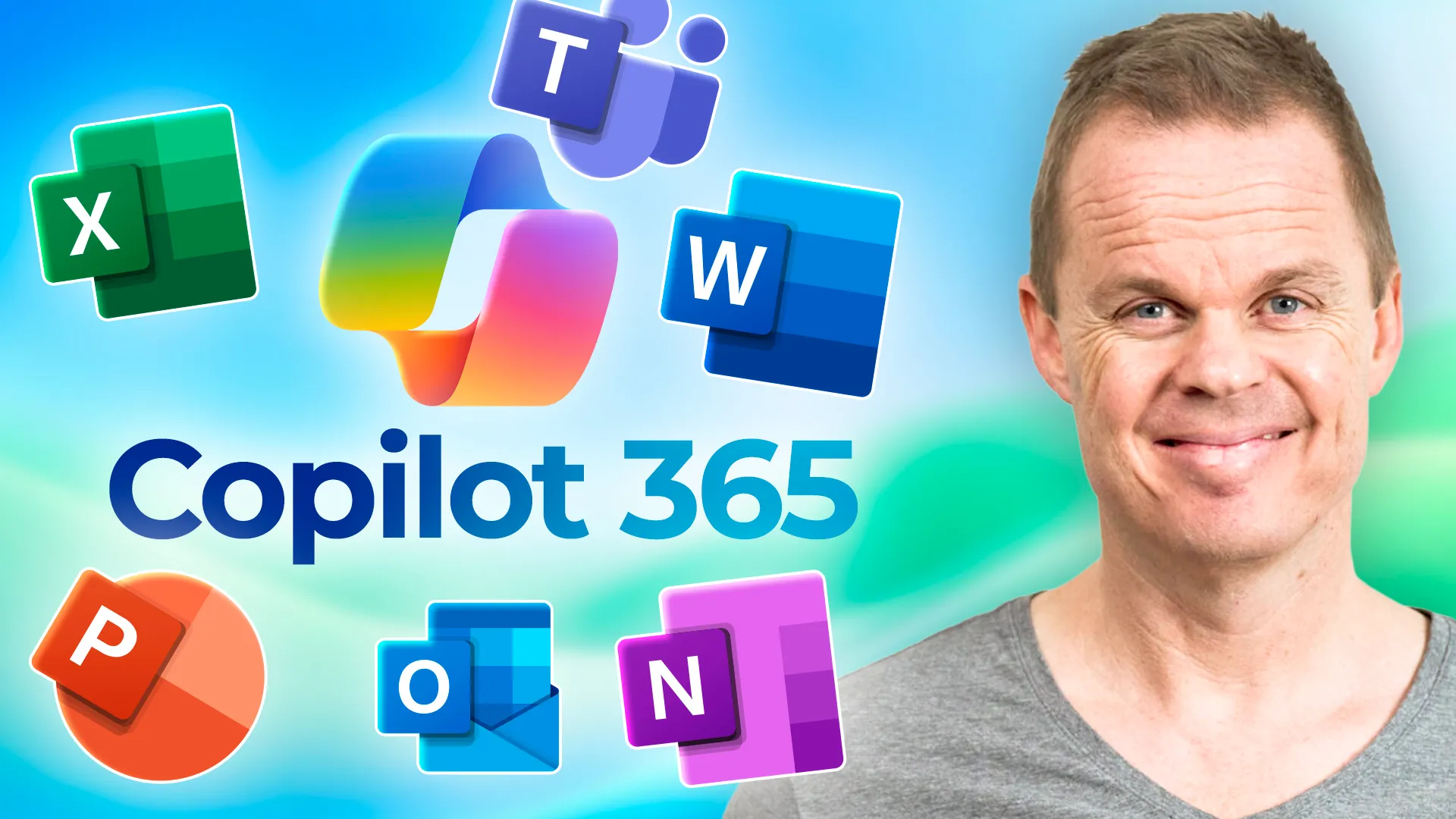
Master Microsoft Copilot 365Practical workflows for real productivity
Learn how to use Microsoft Copilot across Excel, Word, Outlook, Teams, and PowerPoint to work faster, analyze data, write better content, and improve everyday work.
Built by Microsoft MVP Anders Jensen
Followed by thousands of learners on YouTube
One membership, full access
Everything included:
- This course: Master Microsoft Copilot 365: Beginner to Pro
- Every other course in the library, including future updates
- The private community with discussions and support
Full access for $12/month
7-day free trial. Cancel anytime.
What you will learn
This course teaches practical Microsoft 365 Copilot usage across the Microsoft 365 ecosystem in everyday work scenarios.
Use Copilot Chat to summarize, translate, brainstorm, and improve prompts
Work with Copilot in Excel for analysis, formulas, charts, and insights
Use Copilot in Outlook to draft, summarize, and manage communication faster
Create and improve documents in Word with Copilot
Build and improve presentations in PowerPoint
Use Copilot in Teams for meetings and collaboration
Understand Copilot Agents and Notebooks
Apply Copilot in realistic business workflows
Course modules
The course is structured as a practical progression from core concepts to real-world application.
Intro and access
Get started and access the materials for Microsoft 365 Copilot.
Chat (Web)
Learn prompting, summarization, translation, reusable prompts, and conversation workflows.
Chat (Work)
Work more effectively with company files and grounded prompts.
Improve your prompts
Use structured prompt optimization.
Excel
Use Copilot for formulas, charts, analysis, and productivity.
Teams
Use Copilot before, during, and after meetings.
Outlook
Summarize threads, draft replies, and improve communication workflows.
Word
Draft, improve, summarize, and edit documents faster.
PowerPoint
Build presentations, add slides, and improve visual communication.
Visual Creator
Explore video creation with Copilot.
Agents and Notebooks
Understand prebuilt agents, notebooks, and prompting workflows.
Advanced use case
See how Copilot supports broader end-to-end collaboration workflows.
Who this course is for
Microsoft 365 users
Knowledge workers and office professionals
Managers and consultants
Organizations adopting Copilot broadly
No coding required. Basic familiarity with Microsoft 365 apps is helpful.
Meet your instructor

Anders Jensen is a five-time Microsoft MVP and automation specialist focused on practical AI and automation training.
He teaches through real examples, hands-on workflows, and step-by-step lessons designed to help learners apply tools directly in their daily work.
Through his courses and YouTube content, Anders helps professionals build practical skills in AI, Copilot, automation, and productivity.
Related courses

Microsoft Copilot Chat Beginner's Course
The easiest entry point into Copilot. Learn practical prompting, summaries, translation, and reusable prompt workflows.

Copilot Studio Beginners Course
Build real AI agents in Microsoft Copilot Studio with knowledge sources, topics, Power Automate, and publishing.
Start learning Microsoft Copilot 365 in a practical way
Start today with a 7-day free trial. Cancel anytime.
Join Community